Restaurant website: the 9 must-have elements
Mobile-friendly menu, one-click booking, opening hours, directions, photos, reviews and local SEO: the 9 must-haves of a restaurant or café website.
A restaurant website doesn’t need to be spectacular. Above all, it must answer the questions future customers ask within seconds, often on their phone, often minutes before deciding where to eat: what’s on the menu, how much does it cost, when is it open, how do I book, how do I get there. Here are the nine elements not to forget.
1. A home page that says the essentials
When visitors arrive, they should immediately understand: the type of cuisine, the atmosphere, the town or neighbourhood, and the main action (book, order, see the menu). One great photo, one clear sentence, two buttons. Everything else can come further down.
2. A menu that reads well on mobile
This is the most visited page. Avoid a downloadable PDF, slow and unreadable on a phone. Prefer a simple web page:
- categories (starters, mains, desserts, drinks);
- prices;
- useful labels: vegetarian, gluten-free, allergens;
- an update date, or a menu that is always current.
A text menu is also readable by Google: it can help you appear for searches like “risotto Annecy” or “vegetarian brunch Lyon”.
3. One-click booking (or ordering)
The booking button should be visible on every page, especially at the top of the screen on mobile. Use your usual booking tool or, failing that, a clickable phone number. Same logic for takeaway or click & collect.
4. Opening hours and closing days
Show them clearly, at the top or bottom of every page, including special hours. They must match your Google Business Profile: contradictory information erodes trust.
5. Directions and contact details
Full address, embedded map, parking or public transport tips, a clickable phone number, email. For a tourist area, add landmarks: “two minutes from the lake”, “opposite the town hall”.
6. Faithful, well-crafted photos
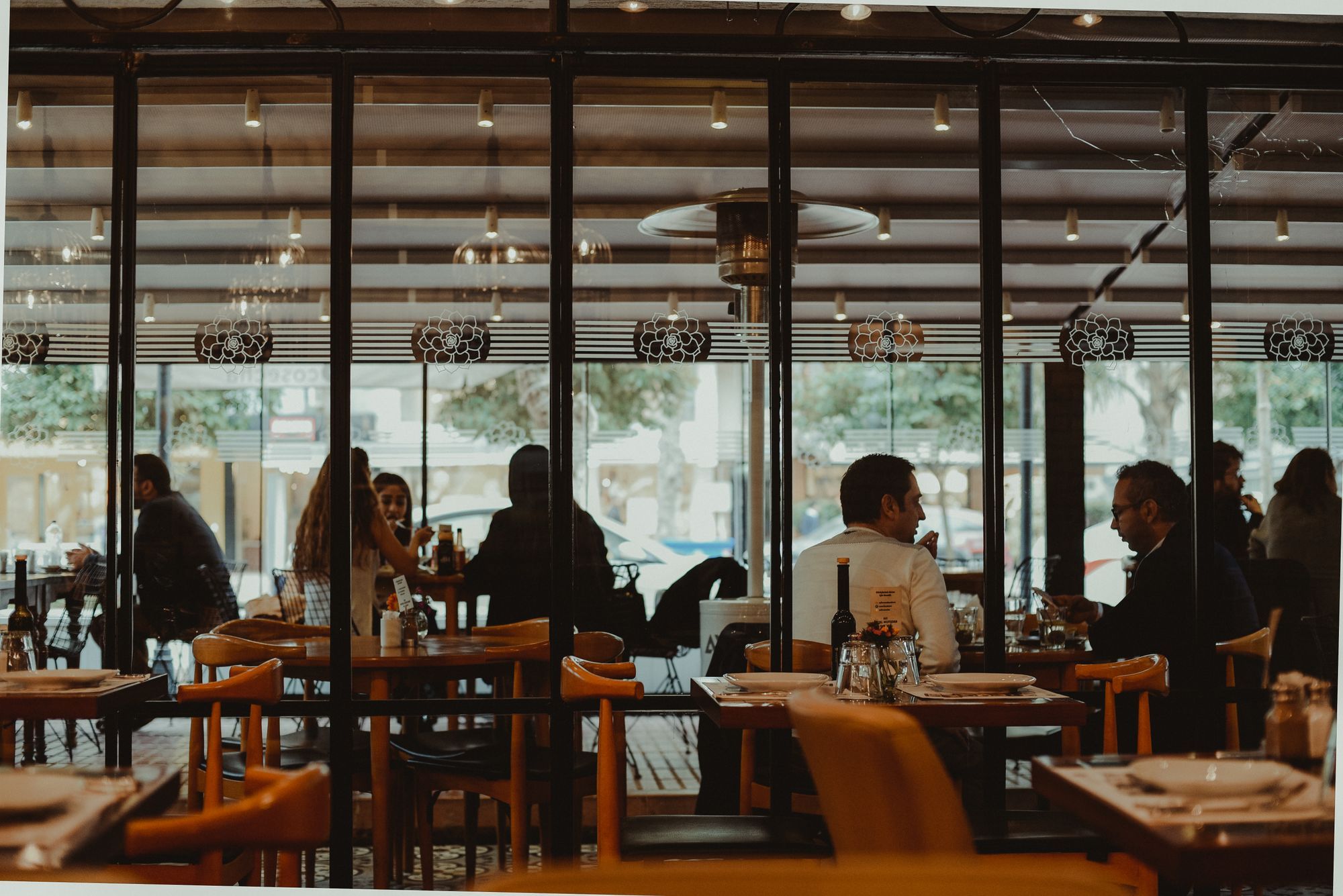
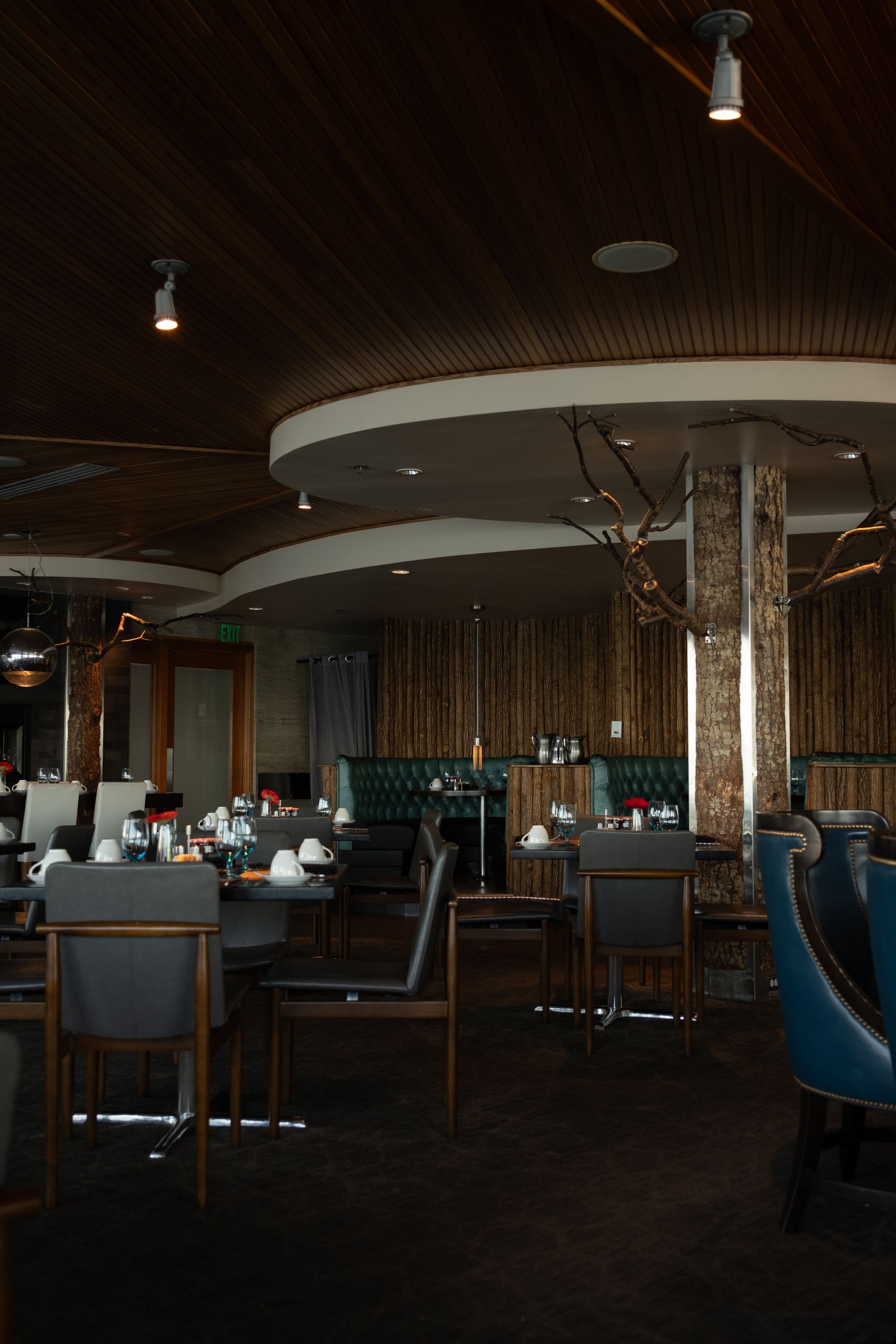
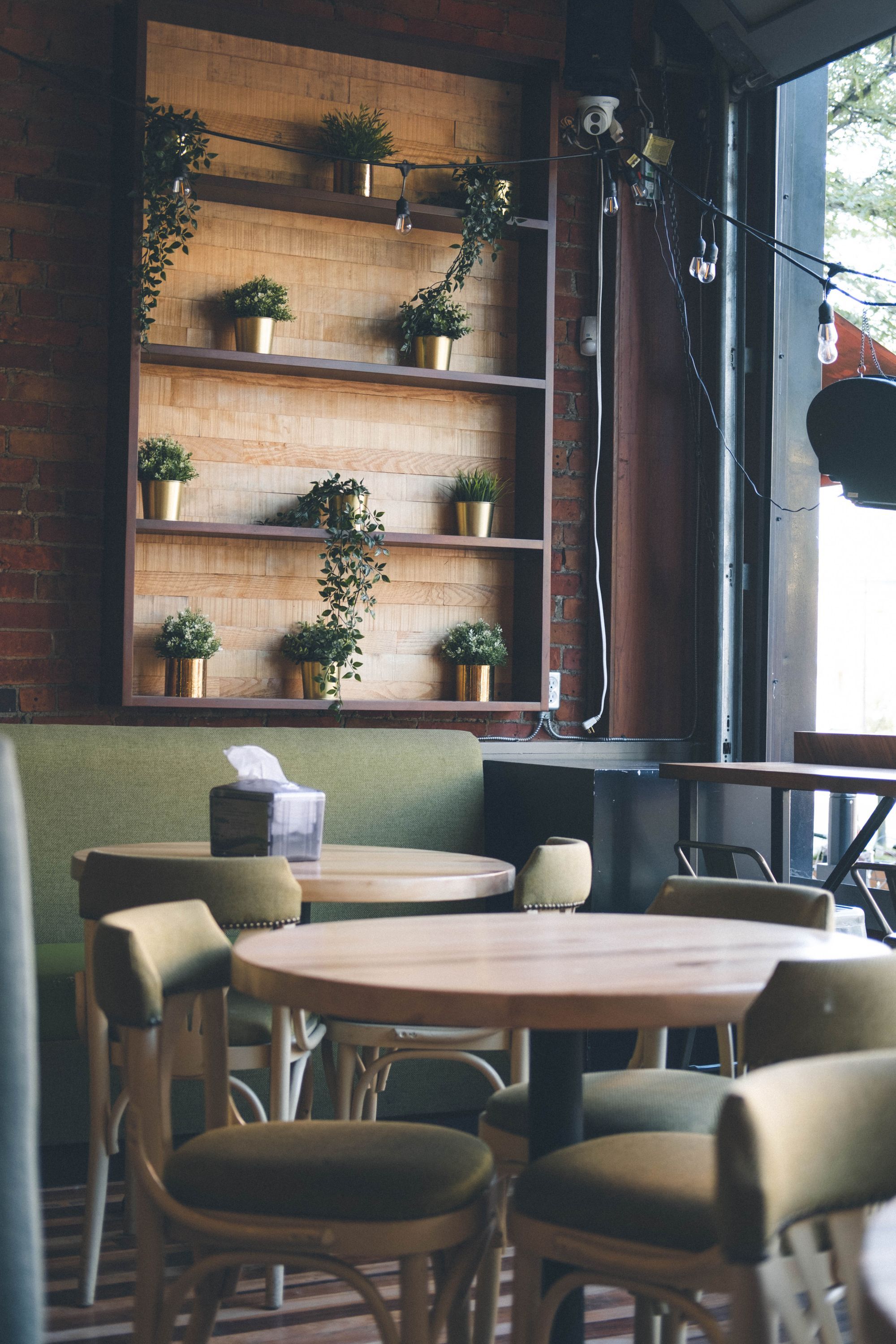
Dining room, terrace, dishes, team: photos sell the experience. They should be sharp, bright and true to reality. Remember to compress them so they don’t slow the site down (see our article on page speed and Core Web Vitals).
7. Your story
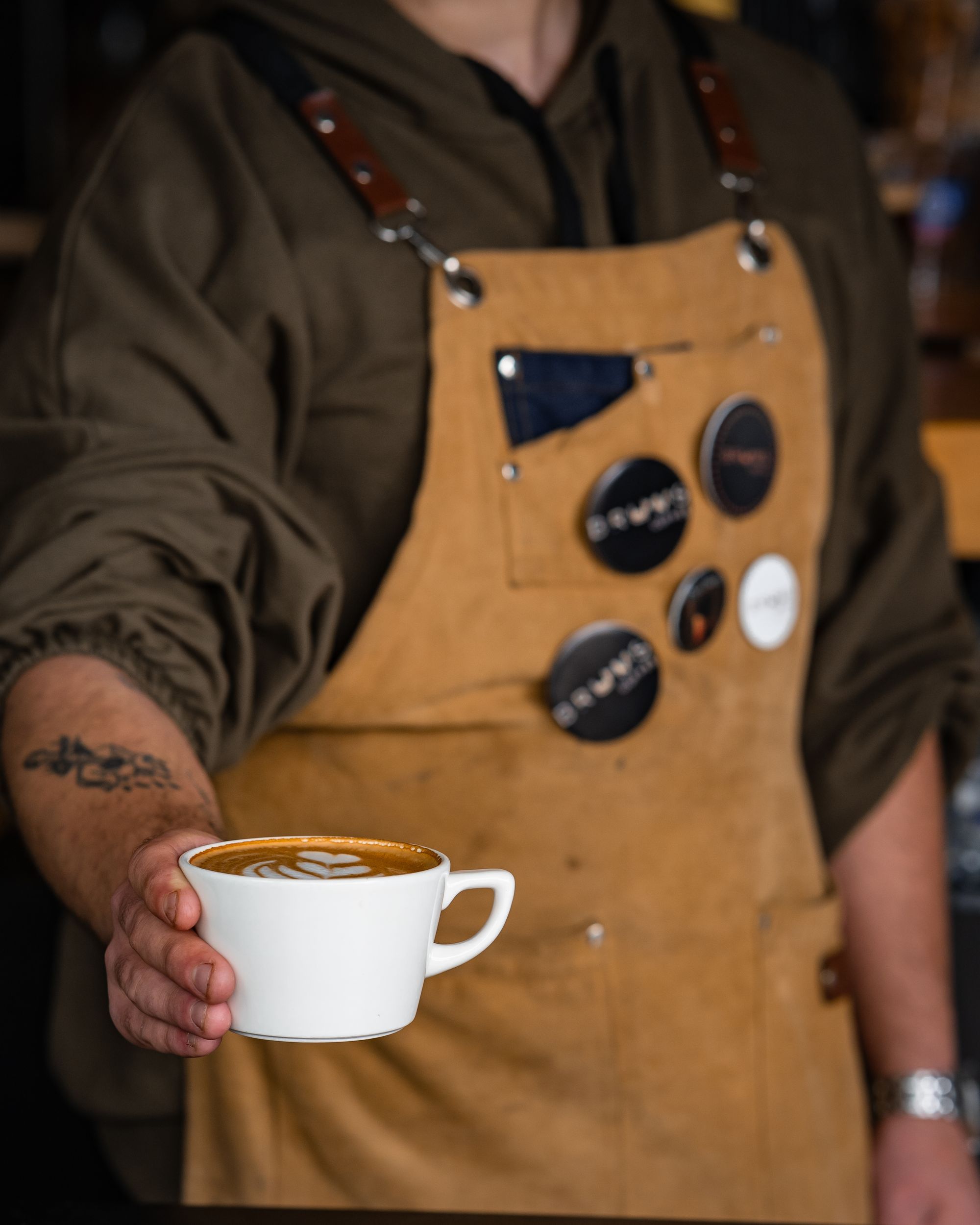
Who are you? Where do your ingredients come from? Why this restaurant? A short, sincere “Our story” page builds a connection and sets you apart from chains. It is also great material for social media. Our brand storytelling tips apply perfectly.
8. Social proof
A few recent reviews, a press article, an award or a label: these reassure hesitant visitors. Showcase them without overdoing it, and keep them up to date.
9. Local SEO basics
To appear when people search for a restaurant nearby:
- a clear page title mentioning your cuisine and your town;
- a meta description that makes people want to click;
- complete contact details, identical everywhere;
- a fast, mobile-friendly site;
- “Restaurant” structured data if your tool supports it.
We cover these basics in our local SEO guide.
Bonus: what can wait
A blog, an online shop, an events page or a newsletter are useful, but only once the nine elements above are in place. A simple, perfectly up-to-date website beats an ambitious, half-abandoned one.
Frequently asked questions
Is a website useful if I already have an Instagram page? Yes. Instagram shows the atmosphere; your website gives reliable information (menu, hours, bookings) and makes you visible on Google.
How many pages do I need? Five are often enough: home, menu, booking or contact, our story, directions. Add an events or private-hire page if it is a significant part of your business.
Want an outside view?
We review your website, its speed, its SEO and its booking journey during your free first audit. Discover our website optimisation service and how we support restaurants and cafés.