Google Business Profile for restaurants: the complete guide
Categories, opening hours, photos, menu, bookings, reviews and posts: how to optimise the Google Business Profile of your restaurant or café, step by step.
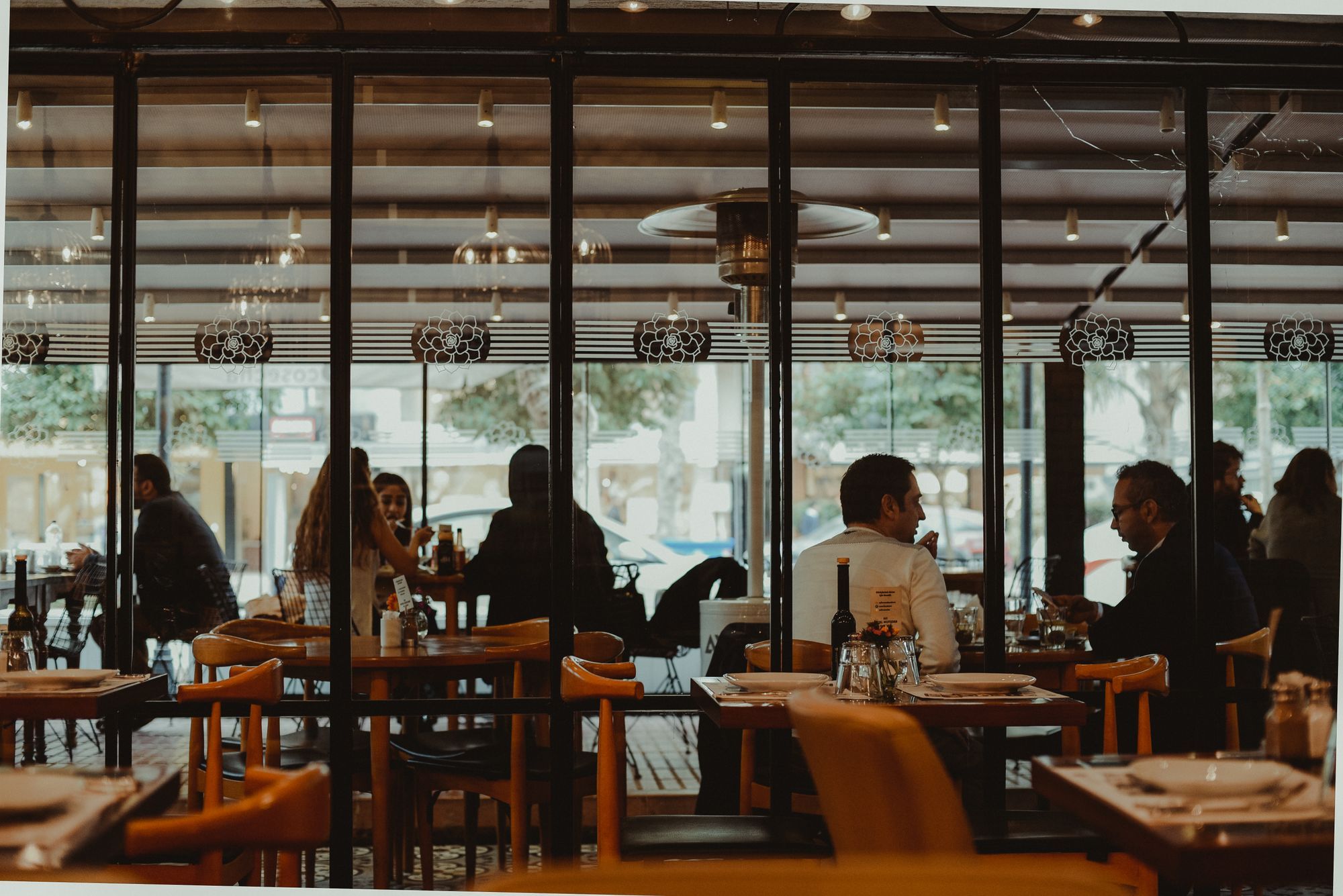
When someone searches “restaurant near me” or “brunch in Annecy”, they rarely land on your website first. They land on a Google Maps panel with three or four business profiles. Your Google Business Profile is often your real shop window. The good news: it is free, and most improvements take only a few hours.
1. Claim and verify your profile
If your venue already appears on Google Maps, it may have been created automatically. Claim it from your Google account, then complete the verification process (code, video or call depending on the case). Until the profile is verified, you control neither the information nor the replies to reviews.
Give access to a second trusted person too: if the main account is lost, you won’t be locked out.
2. Choose the right categories
The primary category is one of the most important settings. It should describe your business precisely: “Italian restaurant”, “Coffee shop”, “Wine bar”, “Bakery”… Then add relevant secondary categories, without overdoing it. A category that is too broad drowns you in the crowd; one that doesn’t match what you really do disappoints customers.
3. Complete, up-to-date information
A customer who finds the door closed because of wrong opening hours won’t come back. Check:
- regular opening hours, and above all special hours (bank holidays, holidays, annual closure);
- your address and the exact pin position on the map;
- your phone number and website link;
- the attributes Google offers: terrace, wheelchair access, vegetarian options, Wi-Fi, pets welcome, and so on.
The more complete the profile, the more questions it answers before anyone asks them.
4. Menu and bookings
Add a link to your menu, ideally a page on your website rather than a heavy PDF that is hard to open on a phone. If you take online bookings or takeaway orders, add those links too: every click you save is a customer you win.
On your website, the menu page must be easy to read on mobile, with up-to-date prices and allergens. See our article on the must-haves of a restaurant website.
5. Photos that make people hungry
Photos are often the first thing people look at. Post regularly:
- your shopfront, so people recognise you in the street;
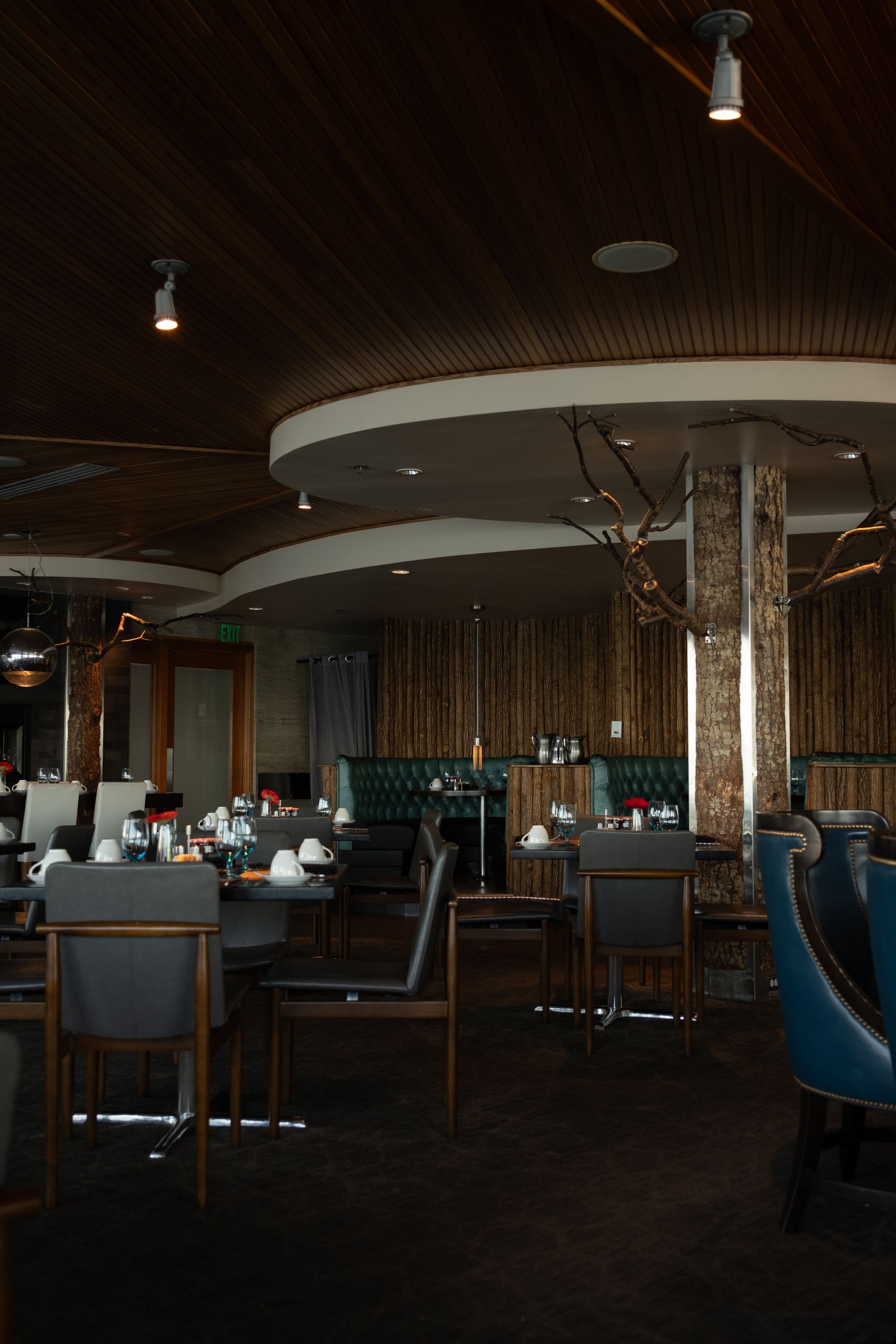
- your dining room and terrace at different times of day;
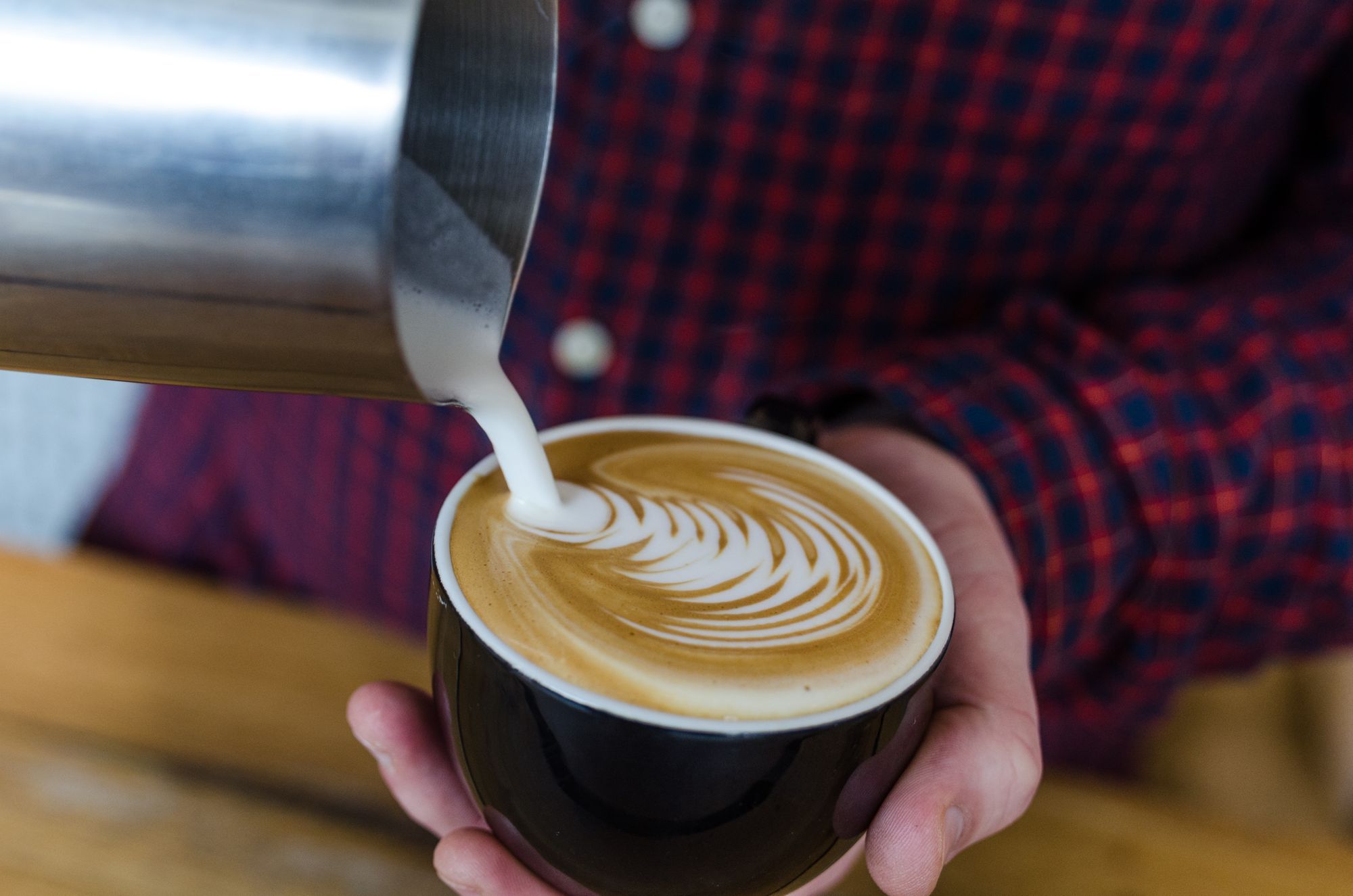
- your signature dishes, in natural light if possible;
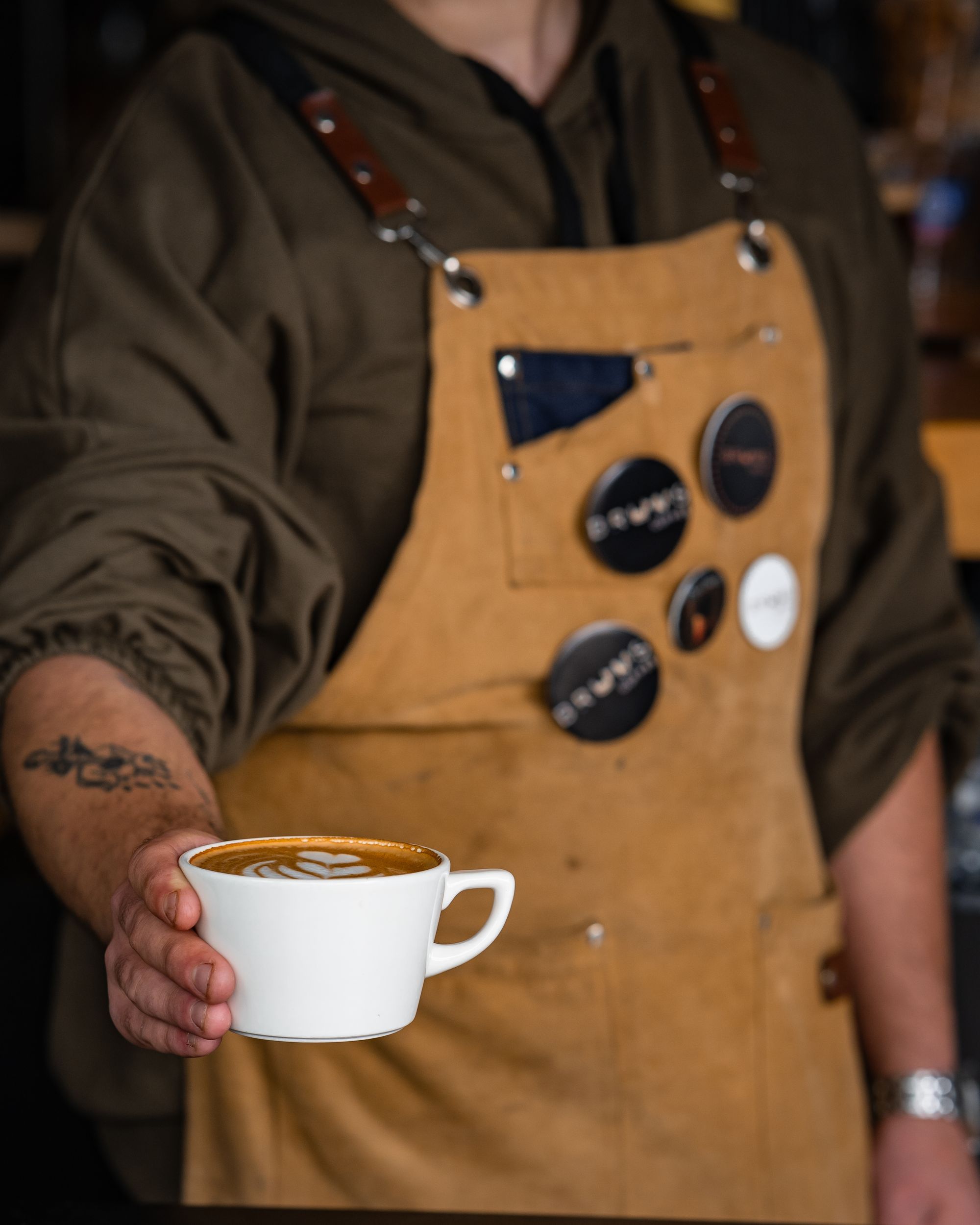
- your team, which makes the venue feel human.
Avoid dark, blurry or over-edited photos. A simple, faithful picture beats an image that doesn’t match what arrives on the plate.
6. Reviews: getting them and replying
Reviews matter both for customers’ choices and for local visibility. Ask simply, at the right moment: at the end of the meal, with a QR code on the bill or a table card, or in a message after a booking.
Reply to every review, positive or negative, politely and personally. A calm, constructive reply to criticism often reassures more than a row of perfect reviews. We cover the method in our guide to restaurant reviews.
7. Google posts
Your profile lets you publish updates: dish of the day, new menu, event, themed evening, seasonal offer. These posts show the venue is alive and give people a reason to click. One post a week or every two weeks is a good pace to start.
8. Track the statistics
Google shows how people find your profile and what they do next: calls, direction requests, website clicks. Check these numbers once a month. They tell you whether your actions (new photos, posts, review replies) are having an effect.
The most common mistakes
- Leaving wrong opening hours during the holidays.
- Never replying to reviews, or replying aggressively.
- Adding keywords to the business name (“The Little Café - best brunch Annecy”): this breaks Google’s rules and can get the profile suspended.
- Creating several profiles for the same place.
Frequently asked questions
Is Google Business Profile free? Yes, creating and managing the profile is free.
How long before I see results? Information fixes show up quickly. The effect of photos, reviews and posts builds over several weeks.
Do I still need a website? Yes. The profile sends people to your website for the menu, bookings and your story. The two work together.
Take action
A well-kept Google profile is one of the most cost-effective actions for a restaurant or café. If you’d like an outside view, we can review your profile, website and reviews during your free first audit. See also how we support restaurants, cafés and food brands.